
The Ultimate SSD Buying Guide for 2025
A fast, reliable SSD can completely transform your computer experience. From near-instant boot times to lightning-fast file transfers, solid-state drives outperform traditional hard drives in almost every way. They are also more durable, run silently, and consume less power, making them a smart upgrade for laptops, desktops, and gaming consoles.
The challenge is choosing the right one. With SATA drives, blazing-fast NVMe models, and newer PCIe Gen 5 options, you have to weigh speed, capacity, and price. This guide breaks down the best SSDs for a range of needs and budgets.
Understanding Your SSD Options
The most affordable and compatible way to add fast storage is with a 2.5-inch SATA drive. Almost every computer made in the last two decades has the required connections, making these drives perfect for revitalizing an older PC. The main limitation is speed, capped at 600MB/s by the SATA III interface. However, even this is a massive leap over any mechanical hard drive, and high-capacity 1TB models are very cost-effective.
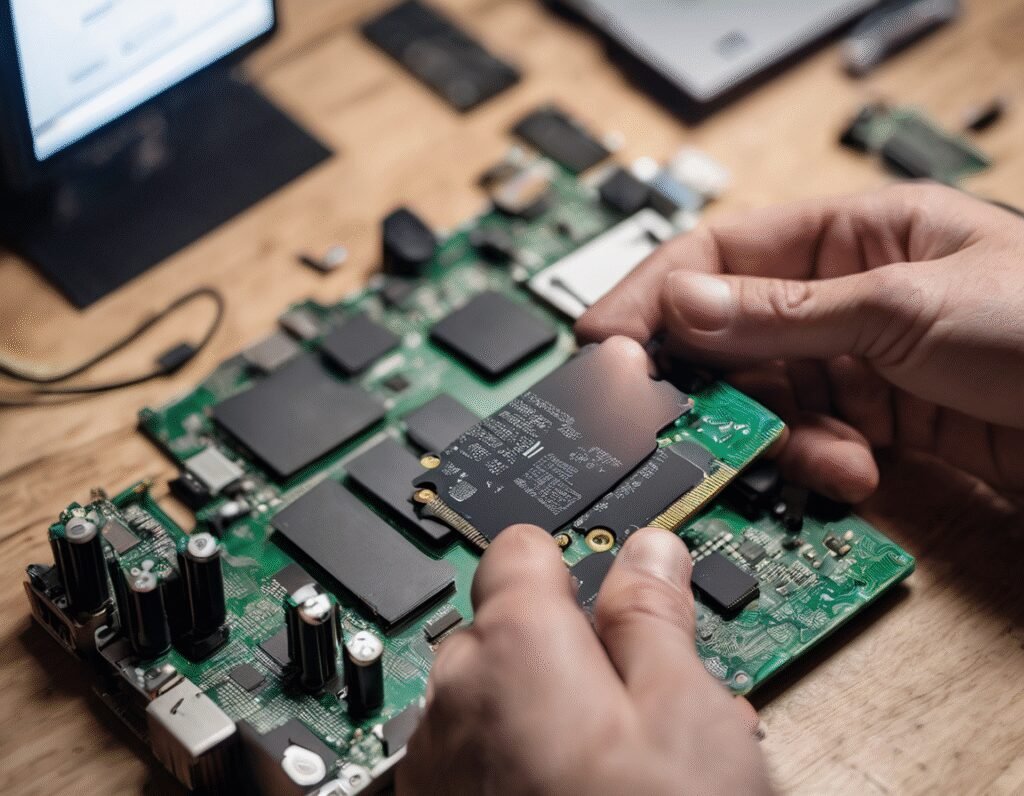
For newer PCs, M.2 SSDs are the way to go. These small sticks install directly onto your motherboard, eliminating cable clutter. The critical distinction here is between SATA and PCIe connections. Drives with a PCIe connection are called NVMe drives and are significantly faster.
Gen3 NVMe models offer speeds up to 3,000MB/s, while Gen4 drives can double that. To use a Gen4 SSD, you need a compatible motherboard and processor. The latest Gen5 drives boast incredible speeds up to 16,000MB/s, but they are expensive, run very hot, and offer no real-world benefits for most users and games currently. For now, a Gen3 or Gen4 NVMe drive is the sweet spot for performance and value.
Before buying an M.2 drive, check your motherboard’s supported sizes; the most common is 2280. Also, ensure your M.2 slot supports the NVMe protocol if that’s the type of drive you are getting.
What to Look for in Portable and Console Storage
Portable SSDs are excellent for on-the-go storage. Speed is important, but connection type is crucial. Look for a drive with a USB 3.2 Gen 2 connection for speeds up to 10Gbps. If you plan to travel with it, consider a model with water and dust resistance and hardware encryption to protect your data.
For console gamers, upgrading storage is straightforward. Xbox Series X|S owners need a proprietary Expansion Card from Seagate or Western Digital. PlayStation 5 owners can install a standard Gen4 NVMe SSD, but it must include a built-in heatsink to meet Sony’s requirements. A 1TB or 2TB model is a great starting point for expanding your game library.
Frequently Asked Questions
What size SSD is best? For most people, a 1TB drive is the ideal balance of capacity and cost. Hardcore gamers or content creators should consider 2TB or more, as modern games and applications take up significant space.
Is a small SSD better than a large HDD? It depends on your needs. An SSD is always faster and more efficient. However, if your sole priority is storing a massive amount of data on a tight budget, a hard drive offers more gigabytes per dollar. For overall system responsiveness and boot times, an SSD is vastly superior.
Does a bigger SSD mean faster? Not necessarily. A drive’s speed is determined by its technology (SATA vs. NVMe) and generation (Gen3, Gen4, Gen5), not its storage capacity. A 1TB SATA SSD will be slower than a 500GB Gen4 NVMe drive. Always check the read and write speed specifications.
Ultimately, the best SSD upgrade is one that fits your budget and capacity needs without getting caught up in the hype of the absolute fastest, most expensive options. For the vast majority of users, the jump from any hard drive to any SSD will be the most noticeable improvement.